Save time on everyday updates
Change a menu price, update your hours or add an event through the owner app, without asking someone else to edit your website.
 For bars, pubs, cafés & restaurantsIn testing
Keep your menus, events and venue information organised in VenuePage Owner. Update your customer-facing website from the app, with optional booking requests and enquiries when you choose to enable them.
Owner app for iOS and Android · Customer-facing venue website included · Currently in testing
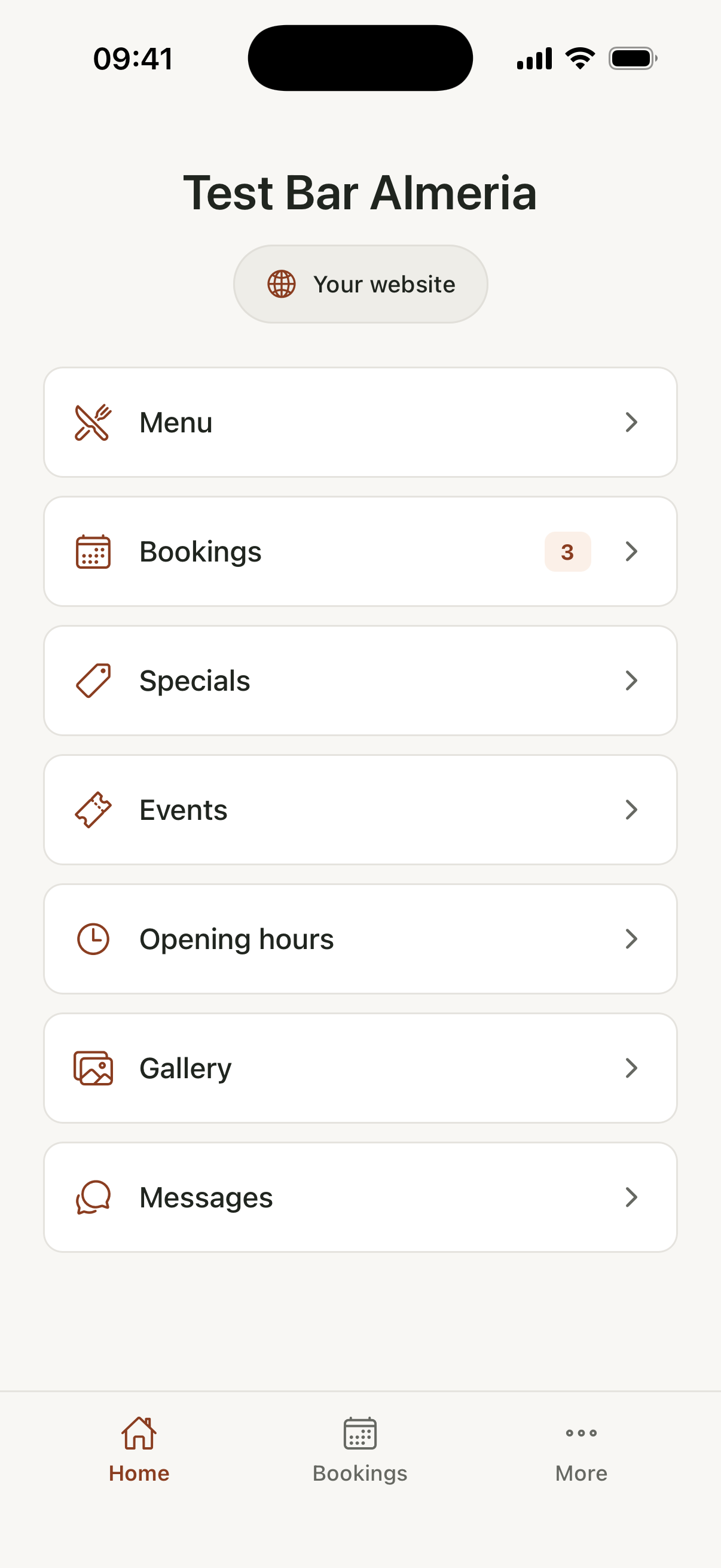
Change a menu price, update your hours or add an event through the owner app, without asking someone else to edit your website.
Give customers a dedicated place to check your menus, events and visiting information before contacting you.
Choose whether to enable booking requests, customer enquiries, both or neither. Review booking requests and decide which to confirm.
Manage your venue information in VenuePage Owner. Your public website displays the details you publish, so there is no separate website editor to maintain.
Set up your profile, location, opening hours and the information customers need.
Update menus, photos, specials and events through the owner app.
Share its link or QR code. Customers can browse your information and request a booking or send an enquiry where those options are enabled.
Organise menu sections, items, serving sizes, prices and photos. Hide unavailable items until they are back.
Publish upcoming events and regular or limited-time specials, with the details customers need before they visit.
Maintain normal and exceptional opening hours, contact details, directions and venue photos.
Choose whether to enable booking requests and manage your availability and capacity. A request is not confirmed until you accept it.
The customer enquiry form is separate from bookings. Enable it if you want customers to send enquiries through your venue website, once the required setup is complete.
Keep drinks menus, live music and upcoming events easy to find.
Give customers clear menus, opening hours and contact information.
Present your menus and review booking requests while controlling availability and capacity.
Keep using Facebook to connect with your customers. Share your VenuePage link in your profile or posts so people can find your menus, events and visiting information together.
Each venue has a mobile-friendly website managed through VenuePage Owner. Customers see the information you publish, with booking requests and enquiries available only when enabled.
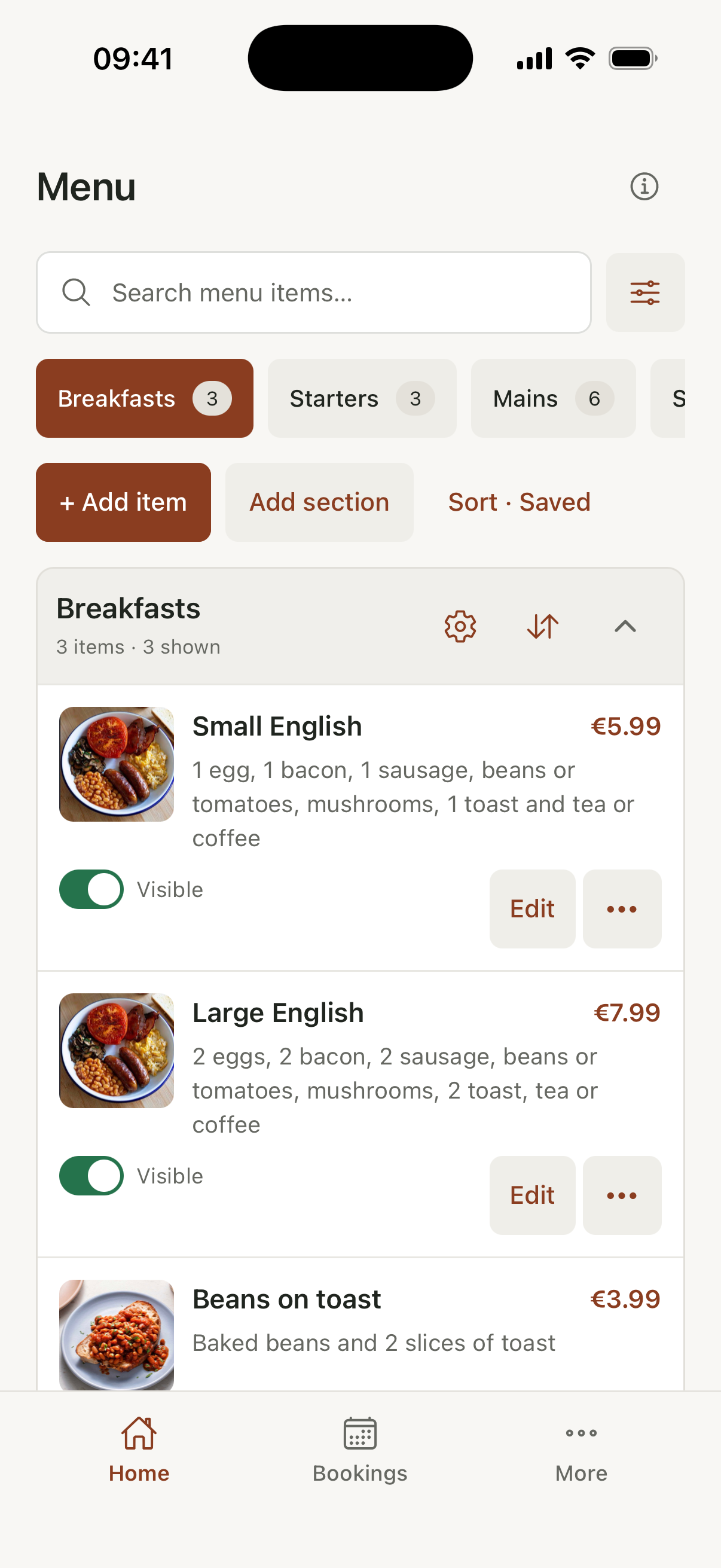
Manage your menu sections, items and prices in VenuePage Owner.
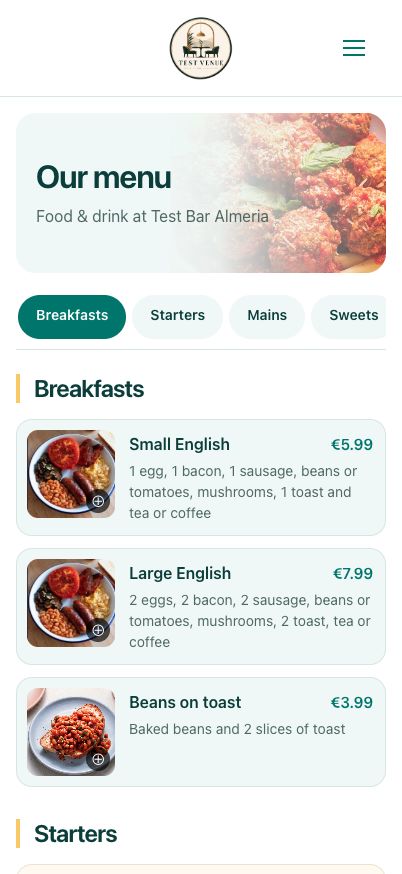
Your published menu is easy to browse on a phone.
Real screenshots from the demo venue. Select a screenshot to view it full size.
Ask about testing VenuePage for your venue. Already using the owner app? Support is here to help.